
For this article well be going over step by step of how to create an animated logo and elements.
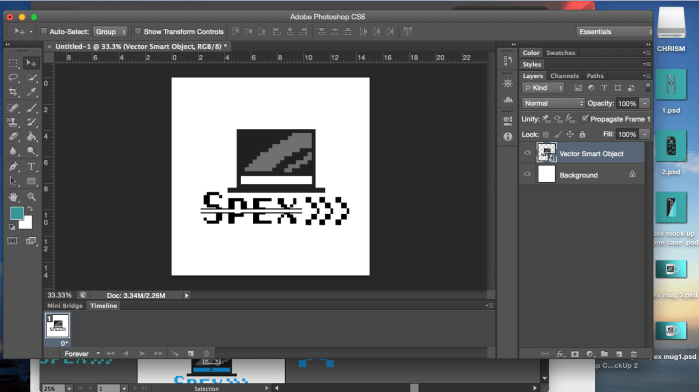
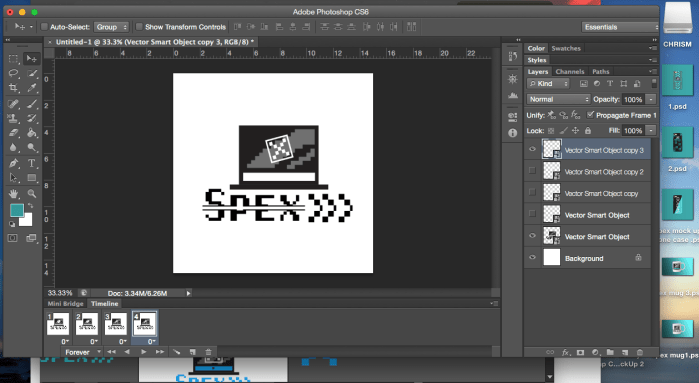
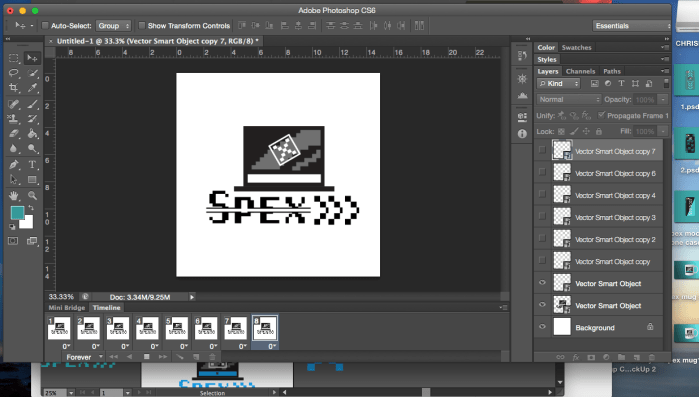
For GIF they are a layer on top of a layer which make a motion picture called GIF which people use to send one another form of use expressing how the people feel. To start off we go and open Photoshop once we are there we go and hit the option tab called window’s in windows you go down to time line when you click on it , it will show you a timeline roll that allows you to adjust the animation. But optionally what you do if your starting a short video, you’ll have to find more and convert the frame of the video. next you have to locate where the video file is the single layered file. Also for heads up Photoshop may not be able to limit the amount of frames imported that can be selected for it to import the entire video keep in mind this optional.
Like i said before, when you want to go to the timeline you must open the time line panel. To break it down for you we’ll be going over this one more time. First you must find good quality pictures that are in a sequence. next you must open Photoshop ,then navigate file> import go down to video frames to layers. then select video from beginning to end. Then after that you must use the slider to choose smaller part of the clips that you want to use.
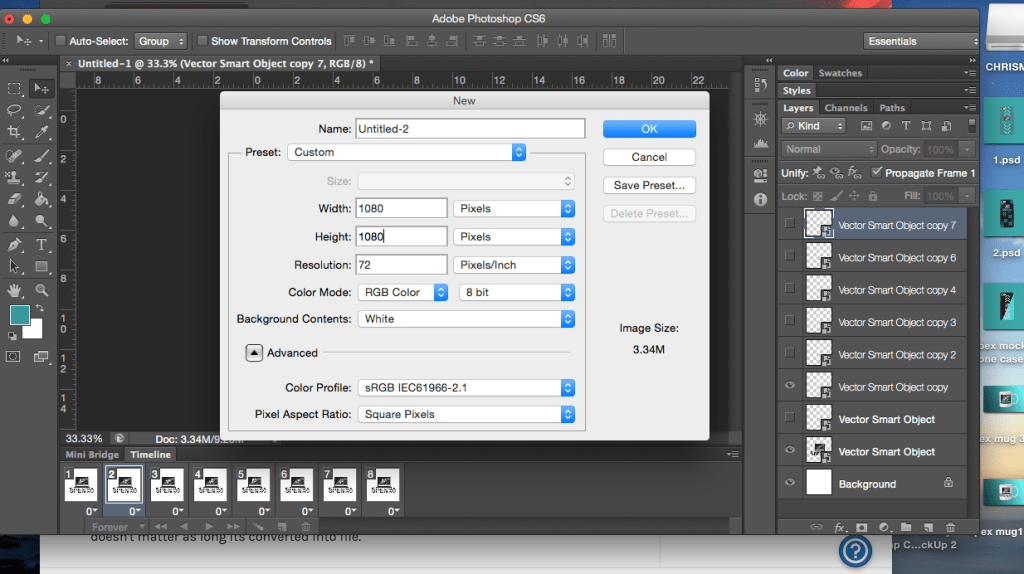
Now RGB color is a model of additive color in which red,green, and blue can be added together in various to re make a broad array of colors. Its name of the model comes from the three prime colors. but theirs a lot that you can do with it other then just converting it to CYMK or RGB it is like i said before every website you’ve ever been to has CYMK colors to it more then RGB. as long its solid colors that you are using it doesn’t matter as long its converted into file.
Try messing with the adjustment setting is also you can mess around Photoshop at this point when you have made it find everything look good hit file > save for web. the setting can be tweaked to create GIF and adjust them.

 Christopher's Design blog